
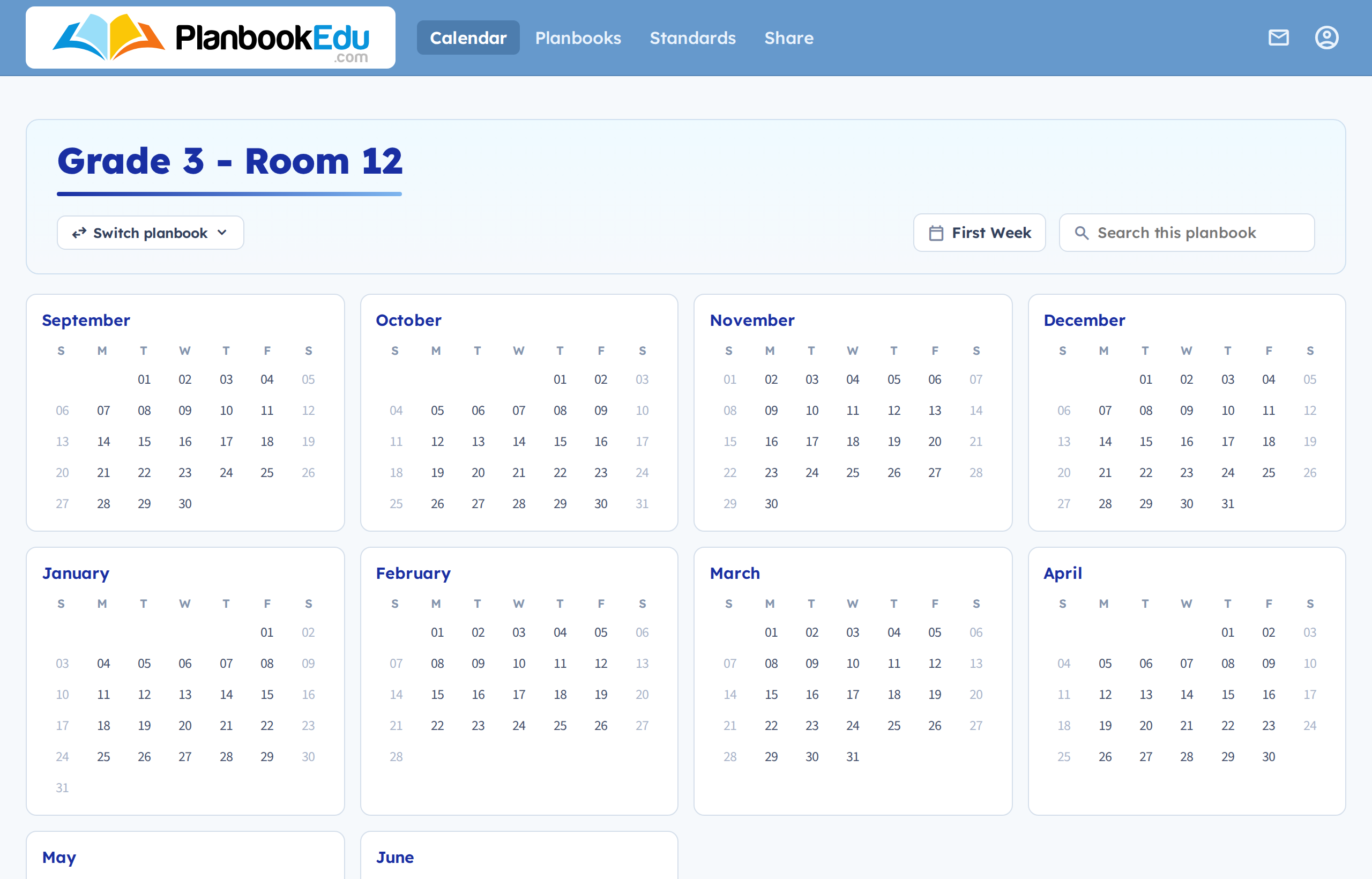
The year calendar shows every month of your school year at once. It's less a planning view than a way of getting where you're going: click any date to open that week.
Reach it by clicking Calendar in the navigation bar.
What's on it
Every month from your planbook's start date to its end date. Click a date to open its week; click a month name to open the monthly view.
A jump-to-today button, next to the planbook name, which takes you to the current week from wherever you've navigated to.
A planbook switcher — if you have more than one planbook, use it to move between them. A tick marks the one you're in.
Search, right on the page. Type a word and jump to any plan containing it — see Search your plans.
Why the year view helps
Seeing the whole year makes the shape of it obvious: where the breaks fall, how many weeks are left before a deadline, how much of your planbook still needs filling in. It's also the fastest way to reach a week that's months away without clicking through week by week.
Related: Monthly view · Weekly view