
If you have a lot of periods, the title period scrolls out of view as you work down the page — and then you're counting rows to remember which one is Reading.
Pinning keeps it on screen.
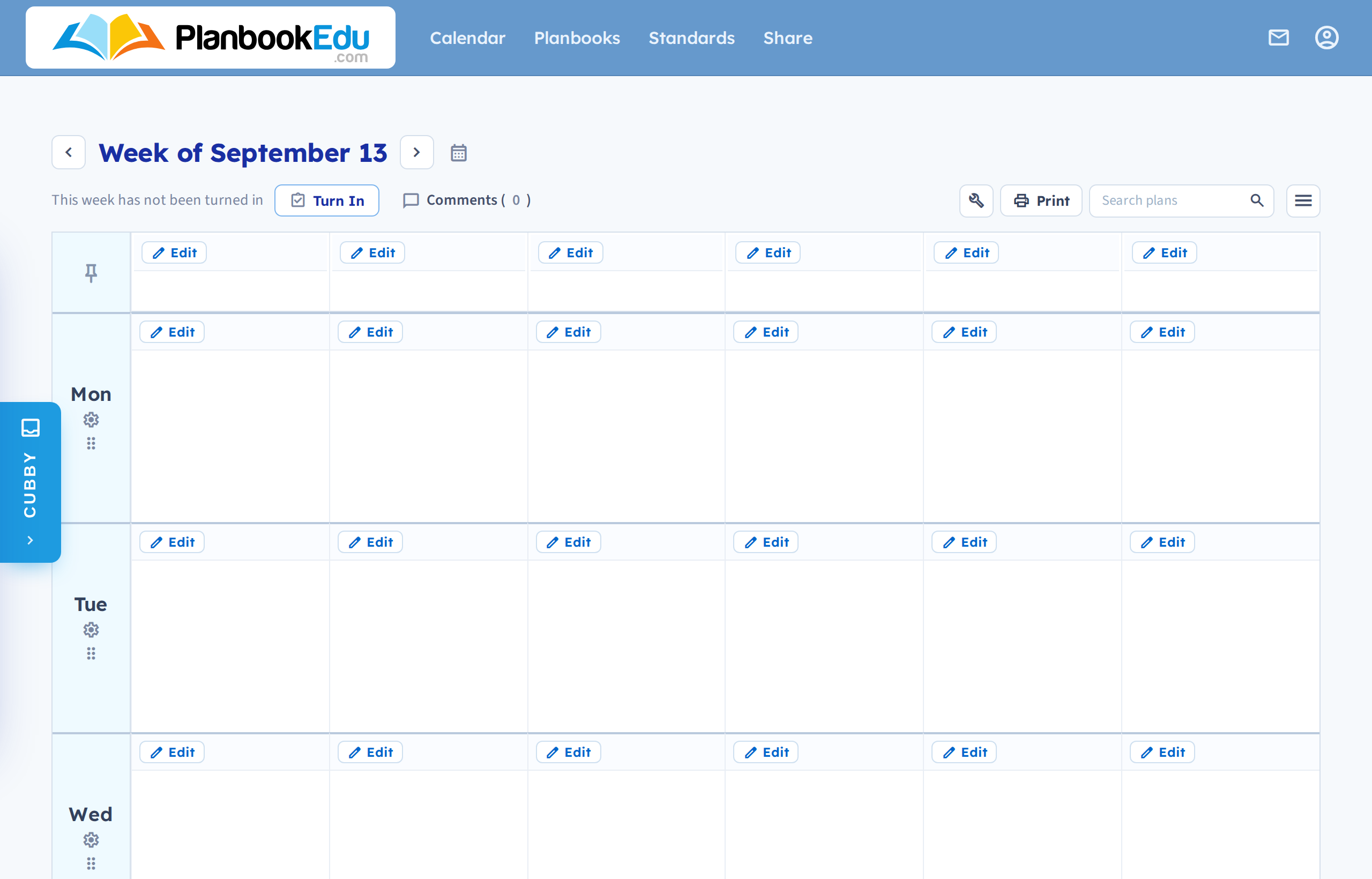
Look for the pin icon to the left of the title bar. Click it and the icon highlights to show the title period is pinned; it now stays at the top as you scroll. Click it again to unpin.
This applies to one orientation only
Pinning is for planbooks with days down the side. That layout puts period names in a row across the top, which is what scrolls away.
With days across the top — the default — you don't need it. Those headers are pinned automatically.
If you can't find the pin icon , check your orientation under advanced options; on days-across-the-top there's nothing to pin because it's already handled.
Turning on the title period is a separate setting from pinning it. If there's no title row at all, see Rename a period or the title row.