
Creating a PlanbookEdu account takes about a minute. You do not need to enter a credit card to get started.
- Go to the registration page.
- Enter your name, email address and a password.
- Click Register.
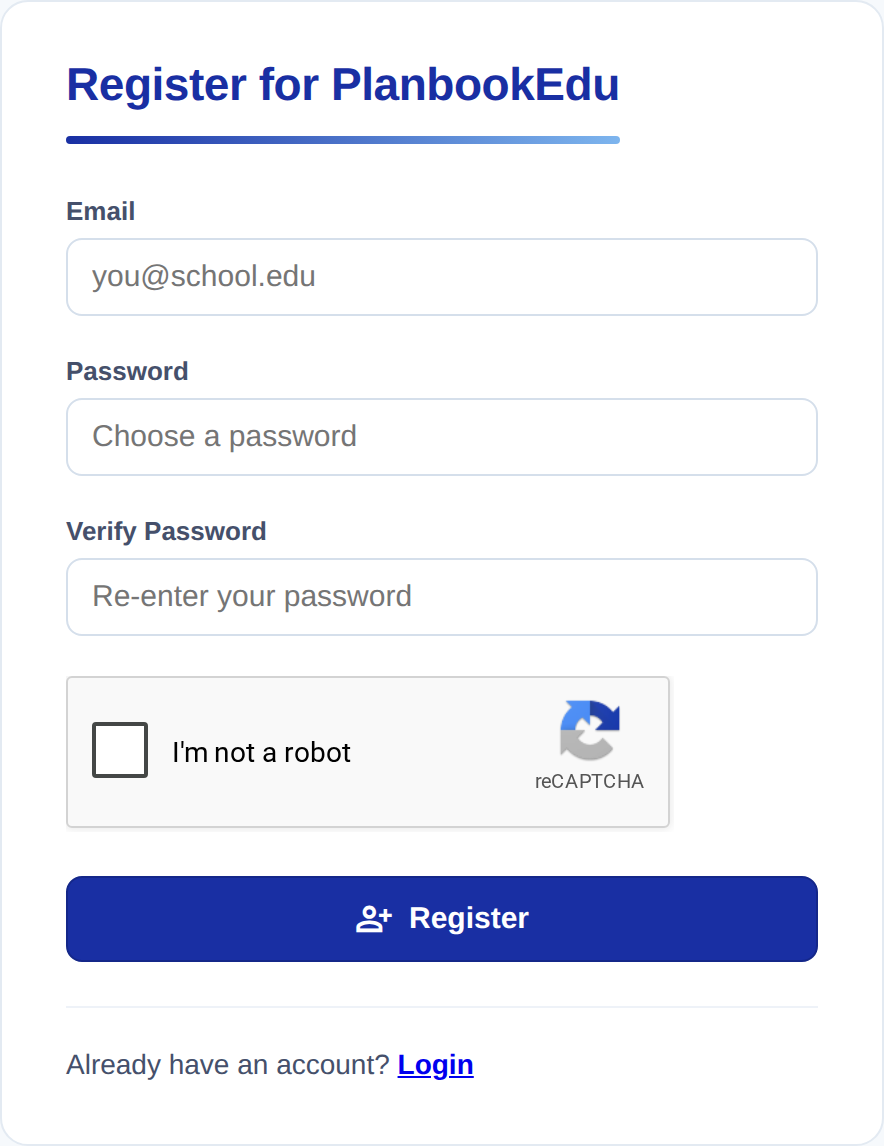
You are signed in as soon as you register, and PlanbookEdu takes you straight into creating your first planbook.
Which email address should I use?
Use whichever address you check most often — your school address is a good choice, because password resets and any plans shared with you arrive there.
If your school or district already has a PlanbookEdu group account, use your school email so an administrator can find you and add you to the group.
Already have an account and just need to get back in? See Sign in and reset your password.
What happens next
Your account starts on the free plan. You can write plans right away, and upgrade later if you want the Premium features — nothing you have written is lost when you upgrade.
Next: Create your first planbook.