
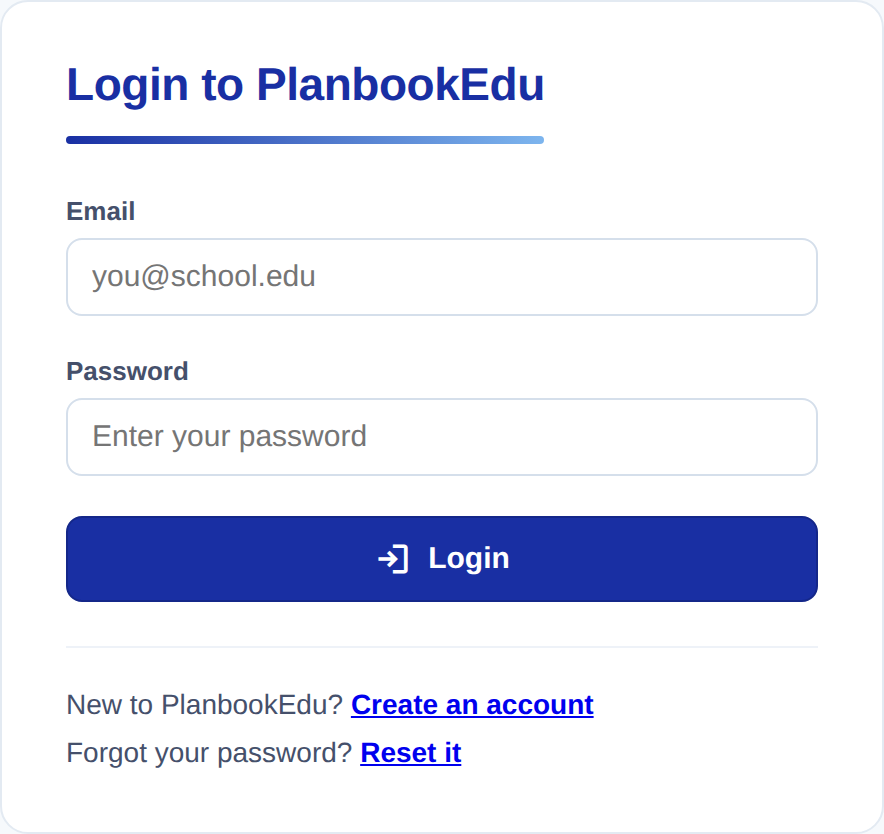
Sign in from the login page with the email address and password you registered with.
Reset your password
If you cannot remember your password:
- Go to the login page and click Forgot your password?
- Enter the email address on your account.
- Check your email for a reset link and follow it.
- Choose a new password.
The reset email did not arrive
This is almost always one of three things, in order of likelihood:
- It went to spam or junk. Search your mail for "PlanbookEdu" rather than scrolling — school filters are aggressive about automated mail.
- You entered a different address than the one on the account. Teachers often have both a personal and a school address. Try the other one.
- Your district blocks outside mail. If nothing arrives at a school address, ask your IT department to allow mail from planbookedu.com, or reset using a personal address instead.
If none of those work, email support@planbookedu.com from the address you think is on the account and we can look it up.
Change your password while signed in
Open the account button in the top right, choose Account settings, then click Change next to Password. You will need your current password to set a new one.
Changing your password does not sign you out of other devices immediately. If you are worried someone else has access, change your password and then sign out everywhere you use PlanbookEdu.