
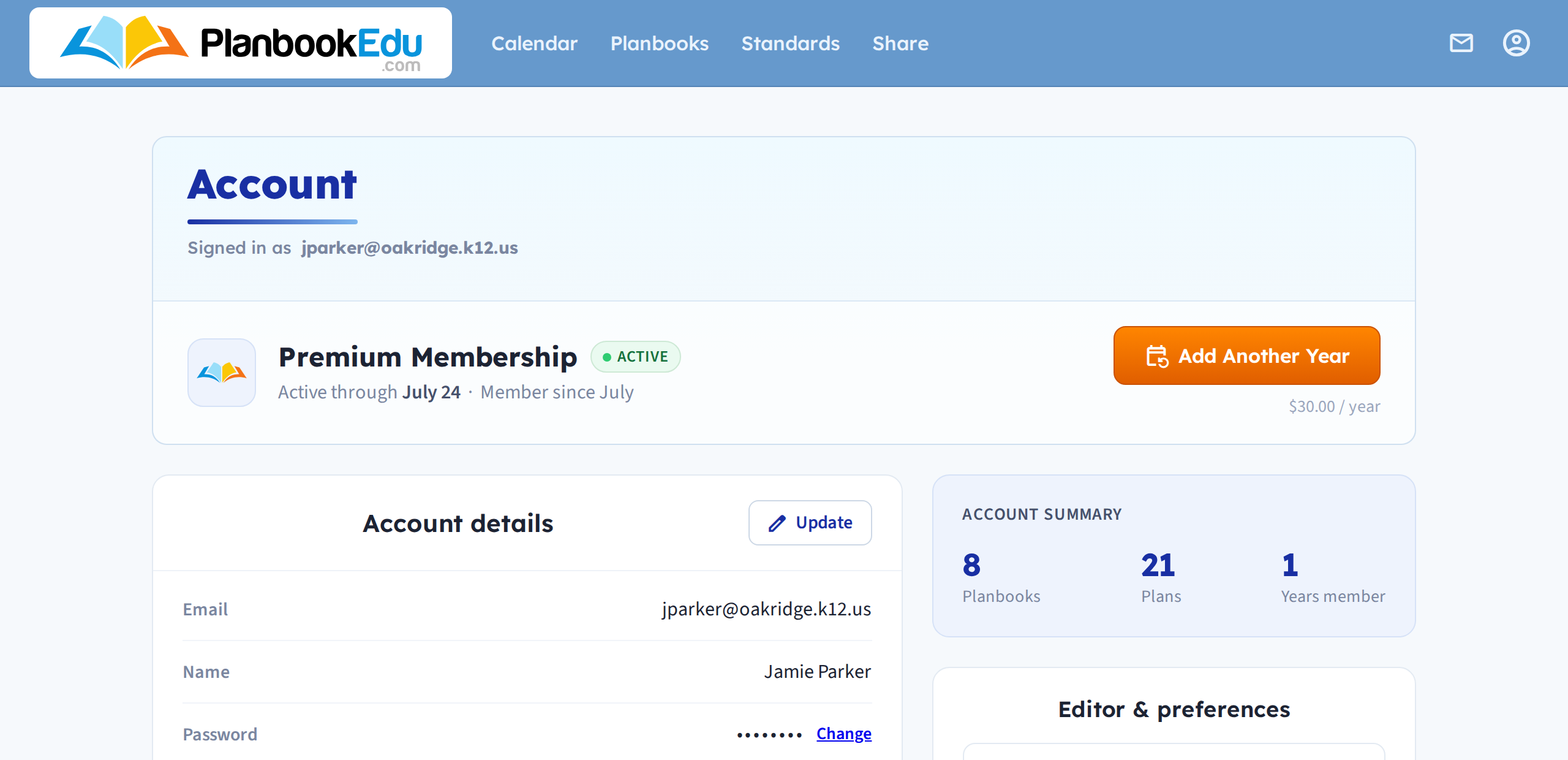
Click the account button in the top right, then Account settings, to see everything tied to your login.
Account details
Your email address, name and password live here. Click Update to change your email or name, or Change next to Password to set a new one.
Your email address is both your username and where password resets and share notifications go — so if you change schools, update it here rather than creating a second account.
Membership
The panel at the top shows whether you are on a free or Premium account, and when a Premium subscription runs through. Add Another Year extends it.
Editor and preferences
Further down are the defaults for the lesson editor, including font size. These apply to your account rather than to a single planbook.
Changing your email address does not create a new account or move your plans anywhere. It is the same account with a new address on it.
Moving to a school account
If your school or district signs up for a group account after you already have your own, you do not need to start over. See Group accounts: how they work