
Deleting a plan isn't immediately permanent. Deleted plans are kept for three days, so a mistake is recoverable if you notice reasonably soon.
Plans deleted from your Cubby go to the same place.
Viewing and restoring deleted plans is a Premium feature. See Free vs. Premium.
Find a deleted plan
- Open the Cubby.
- In the folder list down the side, click Deleted — it's pinned at the bottom, with a count of what's in it.
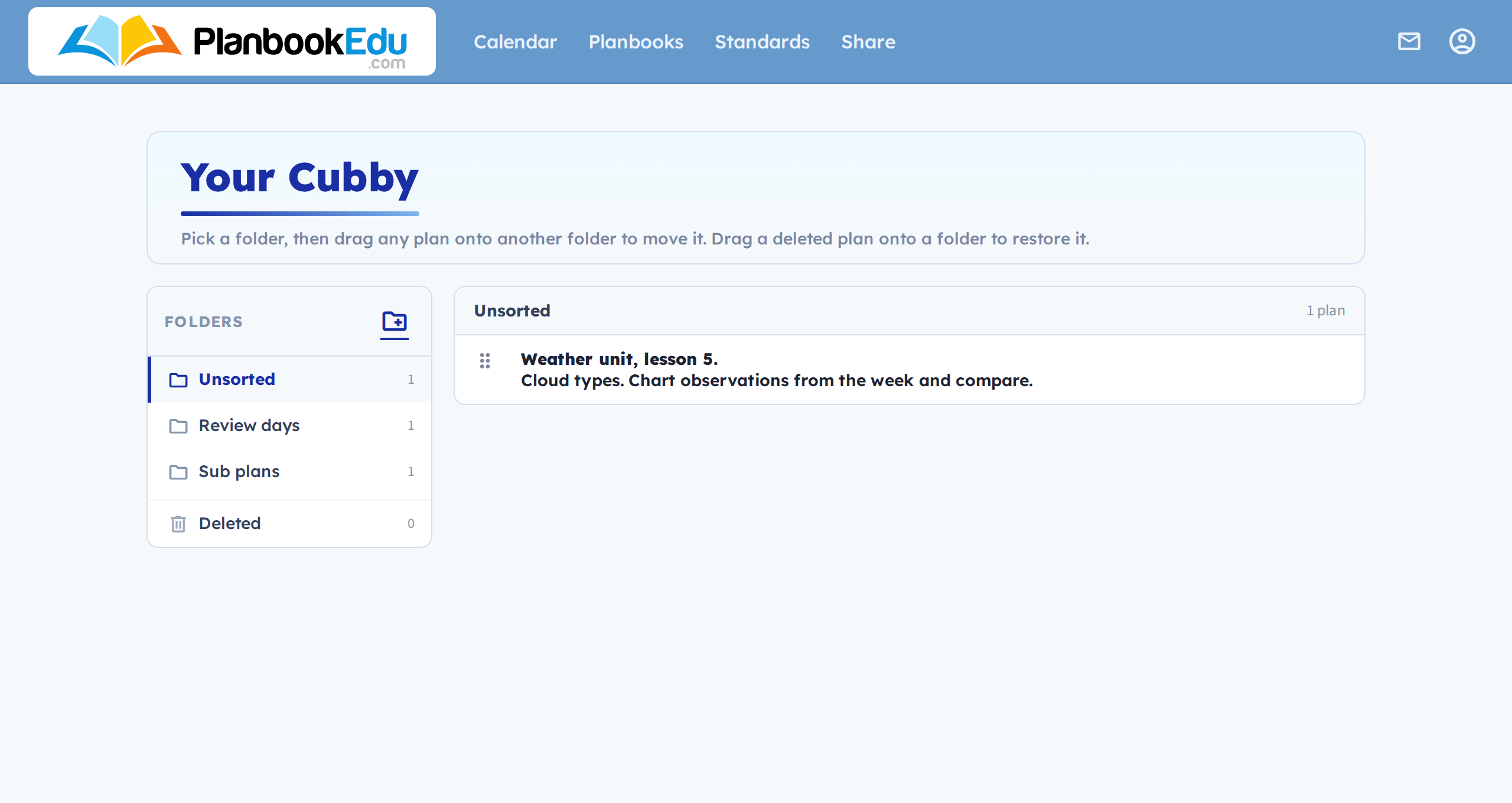
Deleted plans are listed newest first. If there are more than fit on one page, there's paging at the bottom, and a search box that matches the text of the plan itself.
Restore it
Drag the deleted plan onto one of your Cubby folders.
That puts it back into the Cubby, and from there you drag it into your planbook as you would with anything else — see Drag plans between weeks with the Cubby.
After three days it's gone
Deleted plans are permanently removed three days after deletion. There's no way to recover one past that point, so if you think you've deleted something you need, look sooner rather than later.
For a change you just made
If you've only this moment cleared a day or bumped by mistake, the Undo link at the top of the page is quicker and more precise — see Undo a change.